DEVOPSTECHSOFTWARES

Platform and CMS

Headless CMS Development for Websites, Apps, Portals and Multi-Channel Content

Separate content management from the frontend so your team can publish once and reuse structured content across modern websites, mobile apps, ecommerce and custom platforms.

Headless CMS dashboard for structured content APIs and multi-channel publishing
Headless CMS work should make content portable, structured and useful across every frontend that needs it.
content for sites, apps, portals and campaigns
Reuse
delivery to modern frontend experiences
APIs
roles, previews, approvals and content ownership
Editors
localization, integrations, search and analytics
Scale

Content separated from presentation

Headless CMS helps when content needs to work beyond one website

A traditional CMS often ties content to pages. That can work well for a simple website, but it becomes limiting when the same content must appear in a mobile app, portal, ecommerce flow, campaign site, partner platform or multiple frontends.

A headless CMS separates the content backend from the frontend. Editors manage structured content in one place, while developers use APIs to display it in the right experience with the right performance and design freedom.

DevOpsTech Softwares builds headless CMS solutions for teams that need structured content, frontend flexibility, multi-channel publishing, cleaner integrations and long-term control over how content powers digital products.

Service at a glance

Best for
Businesses that need content to appear across websites, mobile apps, portals, ecommerce experiences or multiple brands
Typical outputs
Headless CMS setup, content models, API delivery, frontend integration, preview workflow, migration and support
Core decisions
CMS platform, content model, frontend stack, preview process, API permissions, caching, migration and governance
Integration context
Next.js, mobile apps, customer portals, Strapi, Shopify, search, CRM, analytics, cloud storage and custom APIs
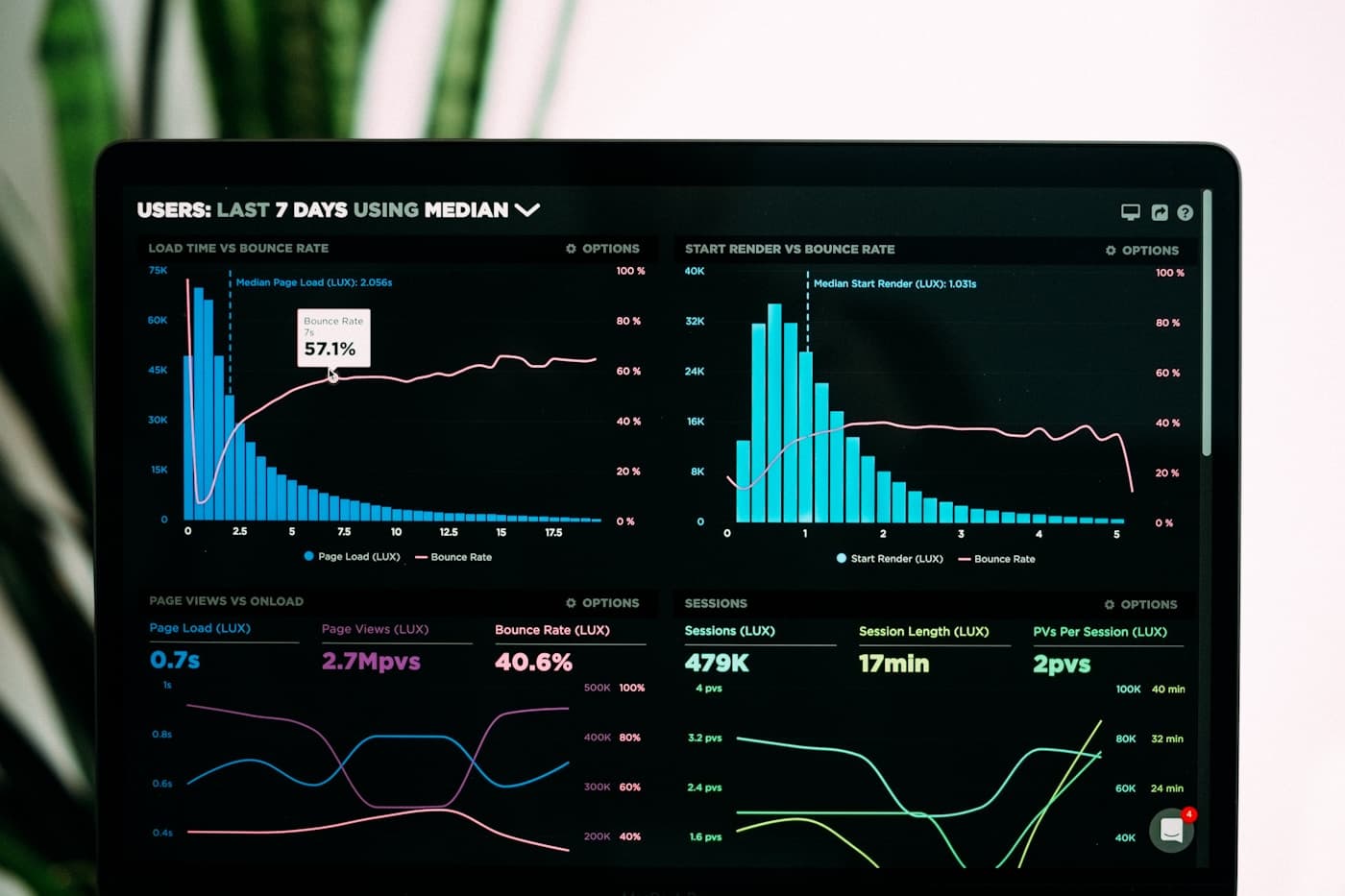
Headless CMS dashboard for structured content APIs and multi-channel publishing
The value of headless CMS is not the buzzword. It is clean content, faster frontends and easier reuse across channels.

Headless CMS planning decisions

What should be decided before going headless

Headless CMS is powerful, but it should solve a real content and platform problem. We help decide where headless adds value and where a simpler CMS would be better.

AreaWhat we decideWhy it matters
Channel needsWhether content will power one website, multiple sites, mobile apps, customer portals, ecommerce pages or internal tools.Headless CMS makes more sense when content needs to move across several experiences.
Content modelPages, products, services, resources, locations, FAQs, authors, banners, CTAs, navigation and reusable components.The content model decides whether content can actually be reused without copying and rewriting.
Editorial workflowRoles, drafts, approvals, previews, publishing schedule, ownership, localization and content training.Editors still need a practical publishing experience even when the frontend is custom.
Frontend deliveryHow the website, app or portal fetches content, handles previews, caches pages, shows errors and updates after publishing.Content delivery must feel reliable to customers and manageable to editors.
Security and permissionsPublic content, private content, authenticated APIs, preview tokens, user roles and restricted fields.Not every piece of content should be available to every frontend or visitor.
Migration and operationsExisting content cleanup, URL redirects, media handling, hosting, backups, monitoring, updates and support ownership.A headless CMS becomes part of the delivery system, so operations matter as much as implementation.

Capability depth

What this service covers

01

Headless CMS strategy and platform selection

We help decide whether headless is the right fit and which CMS approach matches your content, team and frontend needs.

  • Comparison of Strapi, WordPress headless, Shopify content, managed CMS options or custom admin tools.
  • Assessment of content channels, publishing team, frontend needs, integration needs and maintenance capacity.
  • A practical recommendation that avoids headless complexity when a simpler CMS is enough.

02

Structured content modeling

We design content types so editors can publish once and reuse content across channels without duplication.

  • Models for pages, services, products, resources, case studies, authors, FAQs, navigation and reusable sections.
  • Fields, relationships, validations, media handling, localization planning and content ownership rules.
  • Content structures that support SEO, search, personalization, reporting and future channels.

03

Content API and frontend integration

We connect the CMS to the websites, apps and portals that need to display content.

  • API consumption, data shaping, preview routes, caching, revalidation and frontend fallback behavior.
  • Integration with Next.js websites, mobile apps, ecommerce, customer portals and internal dashboards.
  • Performance-aware delivery so pages can remain fast while content stays editable.

04

Editorial workflows and preview experience

We make the CMS usable for real content teams, not only technically connected to a frontend.

  • Editor roles, draft workflows, approval rules, publishing states, previews and content calendars.
  • Clear field labels, help text, reusable blocks and guardrails that reduce publishing mistakes.
  • Training and documentation for marketers, editors, product teams and administrators.

05

Migration from traditional CMS tools

We help move existing content into a headless model without losing important SEO and publishing context.

  • Content inventory, field mapping, media cleanup, URL mapping, redirect planning and metadata migration.
  • Migration from WordPress, older CMS tools, static pages, spreadsheets or mixed content sources.
  • Launch checks for indexing, redirects, internal links, tracking and content completeness.

06

Support, improvement and integration growth

We support the CMS and connected frontends as new channels, content types and integrations are added.

  • Content model changes, API improvements, frontend adjustments, editor support and issue response.
  • Search, analytics, CRM, ecommerce, personalization, localization and portal integration support.
  • Hosting, backups, monitoring, access review and maintenance planning for the CMS environment.

Headless CMS standards

A headless CMS should simplify content reuse, not create publishing confusion

01

Use headless for real reuse

The approach should be chosen because content needs to serve multiple experiences, not because the term sounds modern.

02

Keep editors in control

The CMS should still feel clear for nontechnical users through previews, labels, roles and structured workflows.

03

Make APIs dependable

Frontend teams need predictable content responses, permission rules, caching behavior and fallback handling.

04

Protect SEO during migration

URL changes, metadata, redirects, schema, internal links and indexation are handled carefully during headless rebuilds.

Delivery path

A controlled route from CMS decision to multi-channel content platform

01

Confirm whether headless is the right choice

We review your content channels, publishing team, website needs, app needs, integrations, SEO requirements and maintenance capacity.

02

Design content models and publishing workflows

We define content types, fields, relationships, roles, previews, approvals, API access and how each frontend will use the content.

03

Build CMS, APIs and frontend connections

We implement the CMS backend, connect websites or apps, configure previews, test content delivery and prepare migration or first-launch content.

04

Launch, train and support the system

We support redirects, analytics, editor training, monitoring, content improvements, API changes and new frontend needs after launch.

Service FAQs

Questions before choosing headless CMS

Is headless CMS always better than WordPress?

No. Headless CMS is better when content needs multiple frontends, API delivery or custom product experiences. WordPress may be better for a straightforward marketing website with mostly page-based publishing.

Can headless CMS help website performance?

Yes, when implemented properly. A modern frontend can be optimized separately from the CMS, but performance still depends on caching, images, content delivery and frontend implementation.

Can editors preview content before publishing?

Yes. We can plan preview workflows so editors can review pages or content states before publishing, even though the CMS and frontend are separate.

Need content that can power more than one website?

Tell us where your content needs to appear and who manages it. We will help decide whether headless CMS is the right move and build it properly if it is.