DEVOPSTECHSOFTWARES

Product UI/UX design

SaaS Product Design for Onboarding, Workspaces, Subscription Flows, Dashboards and Retention

Design SaaS product experiences that help new users reach value faster, help teams manage daily work and help the business support subscriptions, roles, settings and growth.

SaaS product design for onboarding dashboards account settings billing and retention
SaaS design should help a new customer understand the product quickly, complete the first useful action and keep returning because the workspace feels reliable.
onboarding, empty states and first-value journeys
Activate
feature discovery, workflows and product guidance
Adopt
dashboards, settings, support and customer confidence
Retain
components, states, roles and handoff consistency
Scale

SaaS UX for adoption

SaaS product design must help users understand value before they lose interest

SaaS products live or die on adoption. A user may sign up, browse for a few minutes and leave if the product does not make the next useful step clear. Teams may also churn when settings are confusing, dashboards do not show value, roles feel risky, billing is unclear or users need support for tasks that should be obvious.

DevOpsTech Softwares designs SaaS UI/UX for MVPs, B2B platforms, portals, subscription products, workflow tools, analytics products and customer-facing software. We focus on onboarding, activation, workspace clarity, account settings, billing UX, empty states, feature discovery, dashboards, product education and handoff for development teams.

The goal is not to overload the product with explanations. The goal is to make the product understandable through better screen structure, clearer flows, useful defaults, helpful states and interface patterns that keep improving as the SaaS product matures.

Before committing to a delivery path, it may help to read Customer Loyalty and Retention System Design, Customer Data Quality and CRM Adoption and CRM Implementation Plan.

Service at a glance

Best for
SaaS MVPs, subscription products, B2B platforms, customer portals, member platforms and teams improving adoption or retention
Typical outputs
Product flows, SaaS wireframes, clickable prototypes, onboarding screens, dashboards, account settings, billing UX and design systems
Core decisions
Activation flow, workspace navigation, roles, plans, trials, billing, empty states, dashboards, alerts, support and product education
Integration context
SaaS development, MVP development, payment gateways, CRM, analytics, helpdesk, email, account management and admin tools
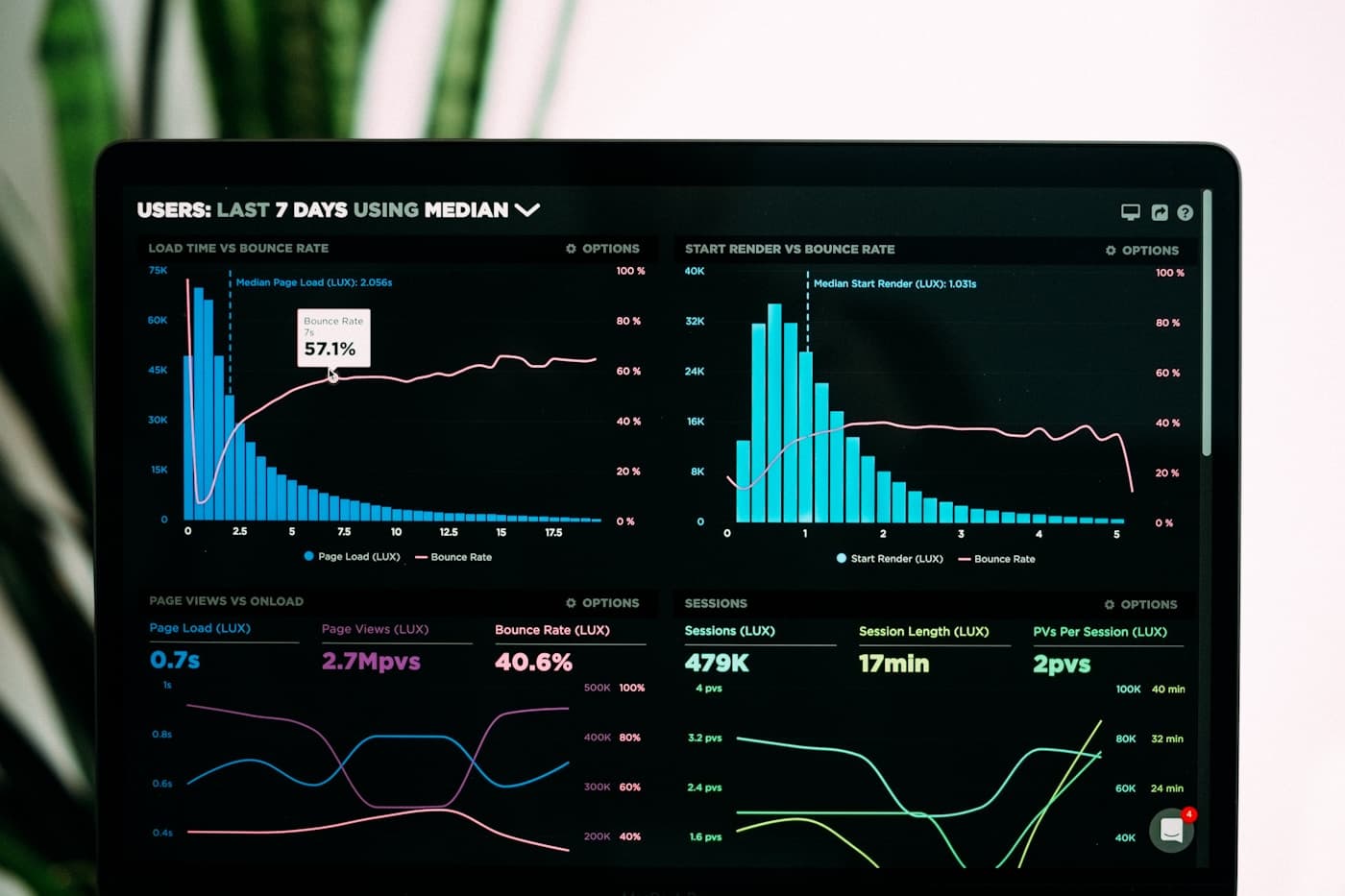
SaaS product design for onboarding dashboards account settings billing and retention
Good SaaS UX connects product value, user activation, account management, daily workflows, billing confidence and support readiness.

SaaS product decisions

What SaaS product design should decide before the build becomes expensive

SaaS UX should connect user value with business realities such as subscriptions, roles, account setup, support, expansion and long-term product maintenance.

AreaWhat we decideWhy it matters
Customer and user typesBuyer, admin, team member, manager, owner, support user, trial user and invited user needs.A SaaS product often serves multiple people inside one customer account, so the UX must make role differences understandable.
Activation journeySign-up, first workspace, guided setup, sample data, checklist, first useful action and success confirmation.Activation reduces drop-off by helping users reach value before they become overwhelmed.
Workspace navigationHome dashboard, records, reports, tasks, settings, team management, notifications and support access.Users need to understand where work happens, where admin settings live and how to return to important tasks.
Subscription and billing UXPlan comparison, trial limits, upgrade prompts, invoices, payment status, receipts and cancellation flow.Confusing billing experiences damage trust and create unnecessary support pressure.
Feature adoptionEmpty states, tooltips, product guidance, templates, default reports, examples and progressive prompts.Useful features do not create value if users do not discover them at the right time.
Product handoffScreen specs, reusable components, states, product rules, responsive behavior and release priorities.SaaS products change often, so the design needs to support future releases without losing consistency.

Capability depth

What this service covers

01

SaaS onboarding and activation design

We design onboarding flows that help users understand the product, set up the right data and reach the first valuable outcome.

  • Sign-up, login, trial setup, workspace creation, profile completion, invitation flows and first-use checklists.
  • Empty states, sample data, setup guides, product education and progress cues for new customers.
  • Activation paths that focus on the first meaningful action instead of making users configure everything upfront.
  • Review of friction that may cause trial users or new customers to abandon the product early.

02

SaaS workspace and dashboard UI

We design daily-use SaaS screens that help users monitor work, manage records and make decisions.

  • Home dashboards, task queues, records, reports, account areas, alerts, filters and saved views.
  • Dashboard layouts for owners, managers, operators, support teams and customer users.
  • Information hierarchy that makes high-value actions and key metrics easier to find.
  • Screen patterns that support product growth without turning the interface into a crowded menu.

03

Account settings, roles and team management UX

We make administrative areas easier to understand because poor settings UX creates support tickets and customer risk.

  • User invites, team roles, permissions, security settings, profile areas, notifications and account ownership.
  • Clear separation between personal settings, team settings, billing settings and product configuration.
  • Confirmation states for risky actions such as role changes, removals, cancellation and data deletion.
  • Permission-aware screens so users understand what they can do and why some actions are unavailable.

04

Billing, pricing and subscription experience

We design SaaS commercial flows so customers understand cost, limits and payment status without losing trust.

  • Pricing page flows, plan comparison, trial prompts, upgrade paths, renewal notices and invoice screens.
  • Payment method screens, failed payment states, receipts, tax details and cancellation guidance.
  • Usage limits, feature gates and upgrade prompts written in a way that supports conversion without frustrating users.
  • Billing UX that reduces confusion for finance teams, admins and end users.

05

Feature adoption and retention UX

We design product moments that help users discover valuable features naturally while they work.

  • Empty states, templates, examples, contextual help, product tips, checklists and in-app guidance.
  • Retention-oriented dashboards, saved views, reminders, notifications and progress indicators.
  • UX improvements for flows where users get stuck, repeat support questions or stop using the product.
  • Content and interface patterns that explain value without turning the product into a manual.

06

SaaS design system and development handoff

We prepare reusable product UI patterns so new SaaS features can be added without visual and usability drift.

  • Component libraries for navigation, cards, forms, tables, modals, alerts, pricing blocks and dashboard widgets.
  • States for loading, empty, error, success, disabled, selected, trial-limited and permission-limited conditions.
  • Responsive rules, accessibility notes, content patterns and acceptance criteria for product development.
  • Design QA support during implementation and later product iterations.

SaaS UX standards

SaaS product design should support activation, daily use and customer confidence

01

Reduce time to value

A new user should understand the product and complete the first meaningful action without reading a long manual.

02

Make account complexity manageable

Teams, roles, settings, billing and notifications should feel organized because customers trust products that feel controlled.

03

Use empty states as product guidance

Empty screens should explain what belongs there, why it matters and how the user can create the first useful item.

04

Keep patterns reusable

SaaS products evolve constantly, so components, states and content rules should make new releases feel consistent.

Delivery path

A focused route from SaaS product idea to usable product experience

01

Clarify users, plans and product value

We review customer types, core workflows, pricing model, activation goals, support pressure and product priorities so design decisions support both users and the business.

02

Design onboarding, workspaces and core flows

We map the first-use journey, daily work areas, dashboards, settings, billing moments and support touchpoints before moving into polished UI.

03

Prototype, refine and define reusable patterns

We create clickable flows, review them with stakeholders or users, improve weak steps and build reusable interface patterns for the product.

04

Handoff and support SaaS implementation

We package screens, components, states, behavior notes and acceptance criteria, then support development review as the SaaS product is built or improved.

Service FAQs

Questions before SaaS product design

Can SaaS product design help before MVP development?

Yes. SaaS product design helps clarify user journeys, onboarding, core screens, pricing flows, states and scope before the MVP is built.

Do you design SaaS dashboards and account settings?

Yes. We design dashboards, workspaces, settings, roles, billing areas, team management, support flows and product guidance.

Can you improve an existing SaaS product?

Yes. We can audit the current UX, redesign weak flows, improve onboarding, simplify settings, create a design system and support implementation.

Need a SaaS product experience users adopt faster?

Tell us the SaaS idea, current product or MVP plan. We will help shape onboarding, workspaces, dashboards, billing UX and handoff for development.